Why Razer Gold solves the top-up problem
Most game publishers only accept international cards. Razer Gold sits between you and them: you load a wallet once, and the wallet pays the publisher. That turns a dozen separate payment problems into one.
It is the practical answer for anyone in Algeria who plays several games at once — a Free Fire top-up, a PUBG UC pack and a PC title's premium currency can all come out of the same balance instead of needing three different payment routes.
- Supported by hundreds of mobile and PC titles
- One balance across all of them — no per-game payment setup
- Razer Silver rewards accumulate on top of what you spend
Razer Gold vs Razer Silver
Razer Gold is the currency you buy and spend on games. Razer Silver is the loyalty reward you earn while spending Gold — it accumulates in the background and is redeemed for vouchers and rewards in the Razer catalogue, not directly for game currency.
Do not plan a purchase around Silver. Treat it as a small bonus that builds up over time while Gold does the actual work.
Global PINs and where they still have limits
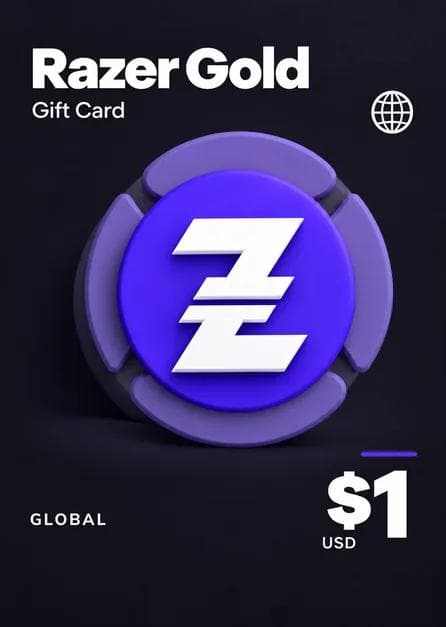
Razer Gold PINs sold as global are the most flexible product in this category — they load onto a Razer account regardless of where you are. That is why they have become the default top-up route in markets without local payment support.
The limit is not the PIN, it is the game. Some titles restrict which server or region can be topped up with Razer Gold, and a few publish separate regional storefronts. If you are topping up a specific game for the first time, check the game's Razer Gold page — or ask us on WhatsApp, we deal with these every day.
Redeeming your PIN
Sign in at gold.razer.com, choose Reload, select Razer Gold PIN as the method, and enter the code exactly as delivered. The balance appears immediately and stays on the account until you spend it.
You can also enter a PIN directly in the payment step of a supported game's top-up page, which skips loading the wallet first. Either way, use the account you actually play on — Gold is not transferable between Razer accounts.